
Crop U1 from cover-image with ImageMagick
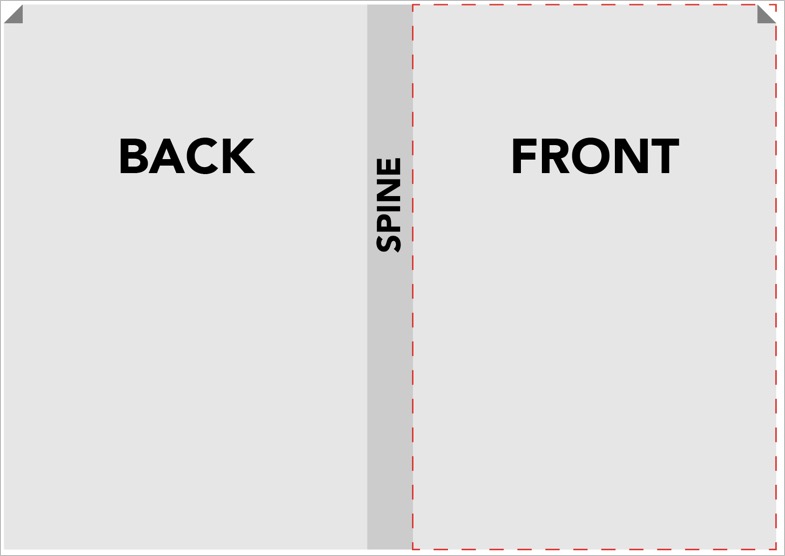
Given is an imposed cover. The size is from a list of possible sizes, but we do not know a priori which.
Step 1: Determine the height
identify -format "%w %h %x %y" input.jpg%h: image height in pixels%w: image width in pixels%x: resolution in X direction (DPI or DPCM, depending on image settings)%y: resolution in Y direction (DPI or DPCM, normally the same as%x)
The output might look like this: 1700 1200 300 300. That is: 1700 pixels wide, 1200 pixels high, and 300 DPI.
Step 2: Crop
The syntax for -crop is [width]x[height]+[X-offset]+[Y-offset].
magick input.jpg -crop "[desiredWidth]x\[originalHeight]+[originalWidth-desiredWidth]+0" output.jpg